


Design Patterns · AI Systems
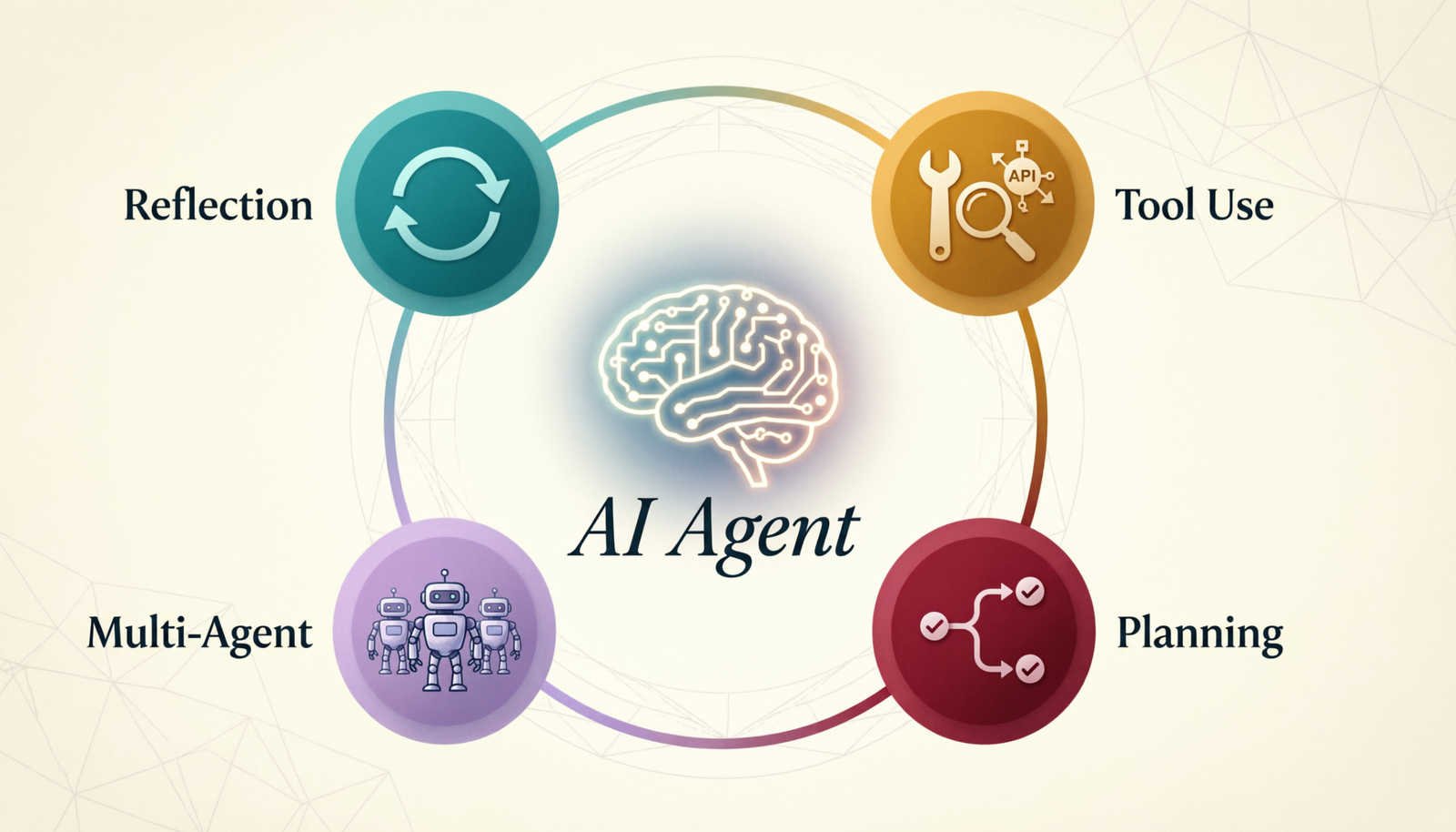
Tool Use
Design Pattern
How language models call external tools to fetch data, run code, and interact with the world — with real examples and visual flow.
What Is It?
Extending LLMs with Tools
The Tool Use (also called Function Calling) design pattern allows a language model to call external functions during its response generation — giving it access to real-time data, APIs, databases, and code execution.
Instead of answering purely from training data, the LLM can say “I need to look this up” and invoke a tool, then incorporate the result into its response.
Core Concepts
- LLM decides when to call a tool
- LLM selects which tool to call
- LLM provides structured arguments
- Tool result is fed back into context
- LLM may call multiple tools in sequence
- LLM generates final response from results
Visual Flow
How Tool Use Works
User sends a prompt
INPUT
LLM reads tool schemas
REASONING
Need a tool?
YES
NO
Emit tool call with args
TOOL CALL
External tool executes
EXECUTION
Result added to context
TOOL RESULT
↑ loop if more tools needed
More tools needed?
LOOP CHECK
Answer from knowledge
DIRECT ANSWER
Final response delivered to user
OUTPUT
User / Input
LLM Reasoning
Tool / API
Result / Output
Decision
Real-World Use Cases
Examples in Action
🌤️
Weather Lookup
LLM calls a weather API to get real-time conditions for any city.
User: “Is it raining in Mumbai?”
LLM → get_weather(city=”Mumbai”)
Tool: WeatherAPI → {rain: true, mm: 4}
LLM: “Yes, it’s raining in Mumbai (4mm today).”
💻
Code Execution
LLM writes and runs code to compute precise results.
User: “What is 2^32?”
LLM → run_code(code=”print(2**32)”)
Tool: Python → “4294967296”
LLM: “2^32 = 4,294,967,296.”
🔍
Web Search
LLM searches the web to answer questions beyond its cutoff date.
User: “Latest AI news today?”
LLM → web_search(q=”AI news 2025″)
Tool: Search → [articles…]
LLM: “Here are today’s top AI headlines…”
📅
Calendar Manager
LLM books meetings and checks availability using a calendar tool.
User: “Schedule a call Friday 3pm”
LLM → check_slot(day=”Fri”, time=”15:00″)
Tool: Calendar → {available: true}
LLM → create_event(title=”Call”, …)
LLM: “Call scheduled for Friday at 3pm ✓”
🗃️
Database Query
LLM queries a SQL database to retrieve live business data.
User: “Top 3 products this month?”
LLM → query_db(sql=”SELECT…”)
Tool: Postgres → [{name, sales}…]
LLM: “Top products: Widget A, Widget B, Widget C.”
Best Practices
When to Use Tool Use
✅ Use Tool Use When…
- Data changes frequently (weather, prices)
- Precise computation is needed
- External APIs must be called
- Personalized or private data is needed
- Actions must be taken (send email, book)
- Real-time information is required
✗ Skip Tool Use When…
- The answer is in training data (static facts)
- Speed is critical and latency is a concern
- No reliable tool/API exists for the task
- Simple reasoning or summarization only
- The task is purely creative writing
- Tool errors would break the experience
Bestseller #1


Bestseller #3

Bestseller #4
![The LLM Engineering Bible [All-in-One]: Everything on How to Buil...](https://m.media-amazon.com/images/I/51BEsGW2l9L.jpg)