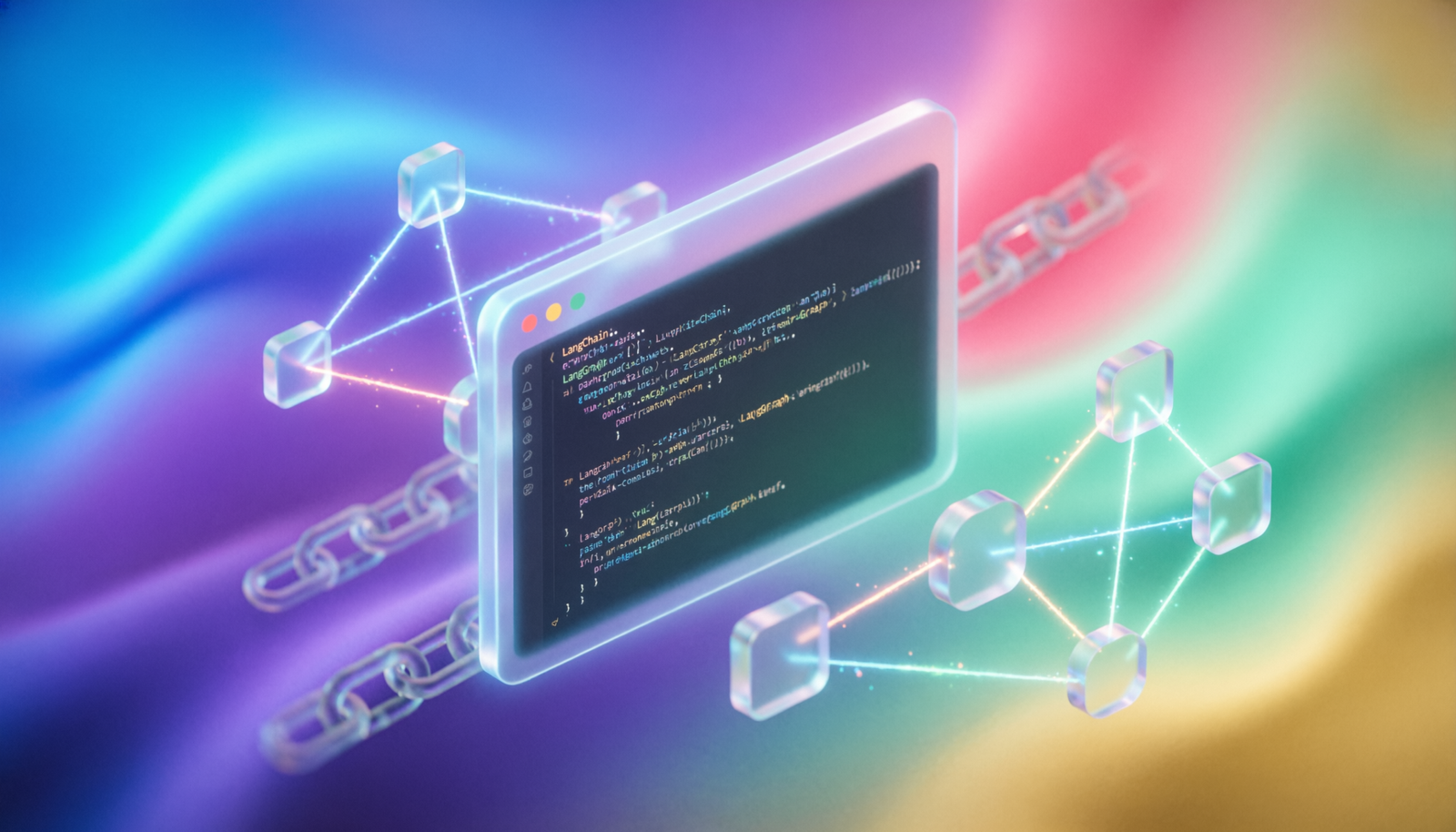
LangChain & LangGraph
Development Environment
A complete step-by-step guide to set up your local environment for building LLM-powered applications and agent workflows.
Python Version & Virtual Environment
PrerequisitesLangChain requires Python 3.9+. Use pyenv or your system package manager to install the correct version, then create an isolated virtual environment.
# Check Python version
python --version          # Python 3.11.x recommended

# Create & activate a virtual environment
python -m venv .venv
source .venv/bin/activate    # macOS / Linux
# .venv\Scripts\activate     # Windows

# Upgrade pip first
pip install --upgrade pip
Install LangChain Core Packages
InstallationInstall the main LangChain packages. langchain provides the high-level API, langchain-core is the base layer, and langchain-community bundles third-party integrations.
pip install langchain langchain-core langchain-community

# Provider-specific packages (install what you need)
pip install langchain-openai      # OpenAI / Azure OpenAI
pip install langchain-anthropic   # Anthropic Claude
pip install langchain-google-genai # Google Gemini
pip install langchain-ollama      # Local models via Ollama
Install LangGraph
Agents & FlowsLangGraph extends LangChain with a graph-based orchestration layer for building stateful, multi-actor agent workflows with cycles, branching, and persistence.
pip install langgraph

# Optional: LangGraph CLI for local dev server
pip install langgraph-cli

# Optional: checkpoint persistence backends
pip install langgraph-checkpoint-sqlite   # SQLite (easy local)
pip install langgraph-checkpoint-postgres # PostgreSQL (prod)
Configure API Keys
SecretsNever hard-code keys in source files. Use a .env file loaded with python-dotenv, or export them as shell environment variables.
# .env  (add to .gitignore!)
OPENAI_API_KEY=sk-...
ANTHROPIC_API_KEY=sk-ant-...
LANGCHAIN_API_KEY=ls__...      # LangSmith tracing
LANGCHAIN_TRACING_V2=true
LANGCHAIN_PROJECT=my-project
pip install python-dotenv

# At the top of every script / notebook
from dotenv import load_dotenv
load_dotenv()   # reads .env into os.environ
Verify the Installation
Smoke TestRun this quick sanity check to confirm all packages are importable and the LLM responds correctly.
from dotenv import load_dotenv
load_dotenv()

from langchain_openai import ChatOpenAI
from langchain_core.messages import HumanMessage

llm = ChatOpenAI(model="gpt-4o-mini")
response = llm.invoke([HumanMessage(content="Hello, LangChain!")])
print(response.content)
AuthenticationError, double-check that your .env file is in the project root and load_dotenv() runs before the model call.
Your First LangGraph Agent
Hello GraphA minimal LangGraph workflow: a single-node graph that routes a user message through an LLM and returns the response.
from typing import TypedDict, Annotated
from langgraph.graph import StateGraph, END
from langchain_openai import ChatOpenAI
from langchain_core.messages import HumanMessage, BaseMessage
import operator

class State(TypedDict):
    messages: Annotated[list[BaseMessage], operator.add]

llm = ChatOpenAI(model="gpt-4o-mini")

def chat_node(state: State) -> State:
    response = llm.invoke(state["messages"])
    return {"messages": [response]}

graph = StateGraph(State)
graph.add_node("chat", chat_node)
graph.set_entry_point("chat")
graph.add_edge("chat", END)
app = graph.compile()

result = app.invoke({"messages": [HumanMessage("What is LangGraph?")]})
print(result["messages"][-1].content)
Recommended Tools & Next Steps
EcosystemYour environment is ready. Here’s what to explore next:
- LangSmith — observability, tracing & prompt management at
smith.langchain.com - LangGraph Studio — visual graph editor & local dev server (
langgraph dev) - LangChain Hub — community prompt library at
hub.langchain.com - LCEL — LangChain Expression Language for composing chains with
|pipes - Vector Stores — add
langchain-chroma,langchain-pinecone, orfaiss-cpufor RAG - requirements.txt — freeze deps with
pip freeze > requirements.txtfor reproducibility