Vector Database Fundamentals with Pinecone | Semantic Search, Embeddings & Similarity
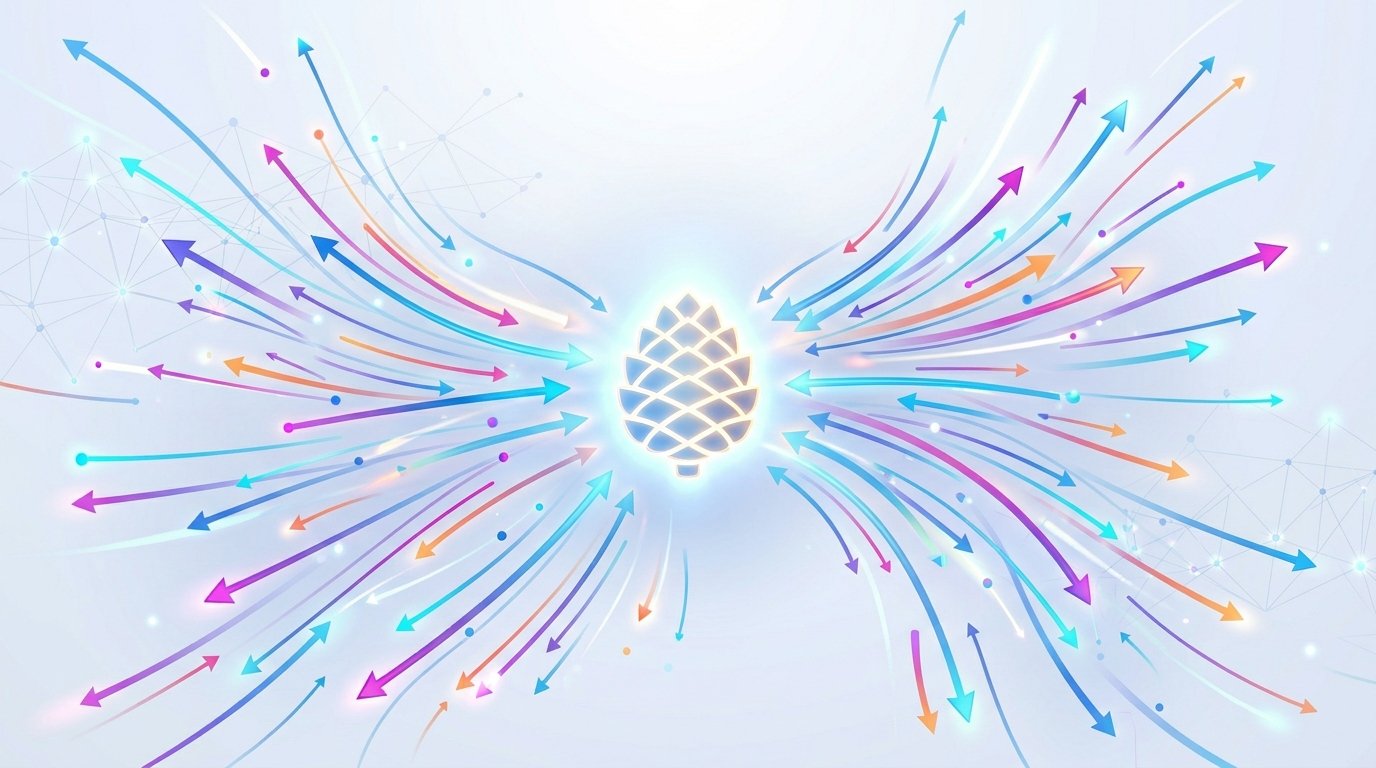





Search by meaning,
not by keyword
A deep dive into vector databases — how embeddings encode semantics, how approximate nearest-neighbor search works at scale, and how Pinecone makes it production-ready.
What is a vector?
A vector is simply an ordered list of numbers — a point in high-dimensional space. When a machine-learning model reads text, images, or audio, it projects them into this numeric space, where proximity encodes semantic similarity.
Traditional databases index exact values (rows, columns, strings). Vector databases index positions in embedding space, letting you find the most semantically similar items in milliseconds — even across billions of entries.
Notice kitten & puppy share a similar pattern (animals) while rocket diverges entirely.
Generating embeddings
Embeddings are learned numeric representations produced by a transformer model. The model has seen so much data that tokens appearing in similar contexts end up near each other in the resulting space — this is the distributional hypothesis made geometric.
import openai, pinecone

# 1. Generate embedding from OpenAI
response = openai.embeddings.create(
    model="text-embedding-3-small",
    input="What are vector databases used for?"
)
embedding = response.data[0].embedding  # list of 1536 floats

# 2. Pair with an ID and optional metadata
record = {
    "id": "doc-001",
    "values": embedding,
    "metadata": {"source": "faq", "topic": "vector-db"}
}
Key insight: The embedding model is fixed at indexing time. You must use the same model at query time — mixing models destroys the geometric meaning of cosine distances.
Similarity search & distance metrics
Once vectors are stored, querying means finding the k-nearest neighbours (kNN) to a query vector. Exact brute-force kNN computes the distance to every stored vector — feasible for thousands, catastrophic for millions. Vector databases use Approximate Nearest Neighbour (ANN) algorithms that sacrifice a tiny accuracy margin for orders-of-magnitude speed gains.
Measures the angle between vectors. Ignores magnitude — great for text where sentence length shouldn’t affect ranking. Range: −1 to 1.
Straight-line distance between two points. Sensitive to vector magnitude. Preferred for image and structured numeric embeddings.
Fast inner product of two vectors. Used when embeddings are already normalised (equivalent to cosine) or when magnitude matters, e.g. recommendation scores.
2-D projection of a vector space. The query point (green) returns its nearest 3 neighbours.
Pinecone uses HNSW (Hierarchical Navigable Small World) graphs internally — a multi-layer proximity graph that achieves sub-millisecond recall at >99 % accuracy. You don’t configure the graph yourself; Pinecone manages it transparently.
Pinecone architecture
Pinecone is a fully managed, serverless vector database. It decouples storage from compute, enabling you to store billions of vectors while paying only for the queries you run.
No pods to provision. Storage scales automatically; you’re billed per read/write unit. Best for variable workloads.
Dedicated compute for predictable, high-throughput production workloads. Choose p1, p2, or s1 pod types.
Logical partitions within an index. Ideal for multi-tenant apps where each customer’s data must stay isolated.
Attach JSON metadata to every vector and apply structured filters at query time — combine ANN speed with SQL-like precision.
| Concept | Description |
|---|---|
| Index | The top-level container — analogous to a database table. You set the dimension count and distance metric once at creation. |
| Vector record | A tuple of (id, values, metadata). The id is a unique string; values is the float array; metadata is a flat JSON object. |
| Namespace | Optional string partition key. Queries are scoped to a single namespace. Defaults to an empty string. |
| Collection | A static snapshot of a pod-based index, useful for backups or forking an index. |
Creating indexes & upserting vectors
All Pinecone operations happen through the official SDK (Python / Node.js) or REST API. You create an index once, then continuously upsert vectors — a write that inserts new records or updates existing ones by ID.
from pinecone import Pinecone, ServerlessSpec

pc = Pinecone(api_key="YOUR_API_KEY")

# Create once — choose dimension to match your embed model
pc.create_index(
    name="my-knowledge-base",
    dimension=1536,          # OpenAI text-embedding-3-small
    metric="cosine",
    spec=ServerlessSpec(
        cloud="aws",
        region="us-east-1"
    )
)
index = pc.Index("my-knowledge-base")

# Batch upsert — up to 100 vectors per call recommended
index.upsert(
    vectors=[
        {
            "id": "chunk-001",
            "values": embedding_1,
            "metadata": {"text": "Pinecone is a managed vector DB",
                          "source": "docs", "lang": "en"}
        },
        {
            "id": "chunk-002",
            "values": embedding_2,
            "metadata": {"text": "HNSW enables fast ANN retrieval",
                          "source": "blog",  "lang": "en"}
        },
    ],
    namespace="production"   # optional partition
)
Batch size matters: Send vectors in batches of 50–100 records per upsert call. Larger batches hit payload limits; single-record calls are network-inefficient. Use parallel threads for bulk ingestion.
Querying the index
A query takes a vector (your question’s embedding) and returns the top-k most similar records. You can combine ANN retrieval with metadata filters to restrict results to a subset before similarity ranking — enabling hybrid structured + semantic search.
query_embedding = get_embedding("How does Pinecone handle scaling?")

results = index.query(
    vector=query_embedding,
    top_k=5,
    include_metadata=True,
    filter={
        "source": {"$in": ["docs", "blog"]},
        "lang": "en"
    },
    namespace="production"
)

for match in results.matches:
    print(match.score, match.metadata["text"])
The score field reflects cosine similarity (higher = more similar, max 1.0). A common RAG pattern fetches the top-k chunks, assembles them into a context window, then passes the full context to an LLM for generation.
How many nearest neighbours to return. Common values: 3–10 for RAG, 50–100 for recommendation feeds.
Filter results below a minimum similarity score to avoid irrelevant context. Typical threshold for cosine: 0.75.
Pre-filter the candidate set before ANN to enforce business rules — date ranges, categories, user IDs.
Real-world use cases
Anywhere you need to move beyond exact-match lookup — and find things that are conceptually close — a vector database shines.
Ground LLM responses in your private documents. Embed your knowledge base into Pinecone, retrieve relevant chunks at inference time.
“Cozy winter boots” returns relevant results even when no product contains those exact words. Converts intent to results.
Embed transactions or events; outliers appear as isolated points far from any cluster in the vector space.
Identify near-identical support tickets, articles, or legal documents by proximity — even with different wording.
Embed user interaction history; retrieve similar items to power “you might also like” without hand-crafted rules.
Use CLIP-style models to embed images and text into the same space — search images with text queries and vice versa.
Quick-start tip: Use pinecone-client + langchain or llama-index to wire embeddings, Pinecone, and an LLM together in under 50 lines. Both frameworks have first-class Pinecone vector store integrations.