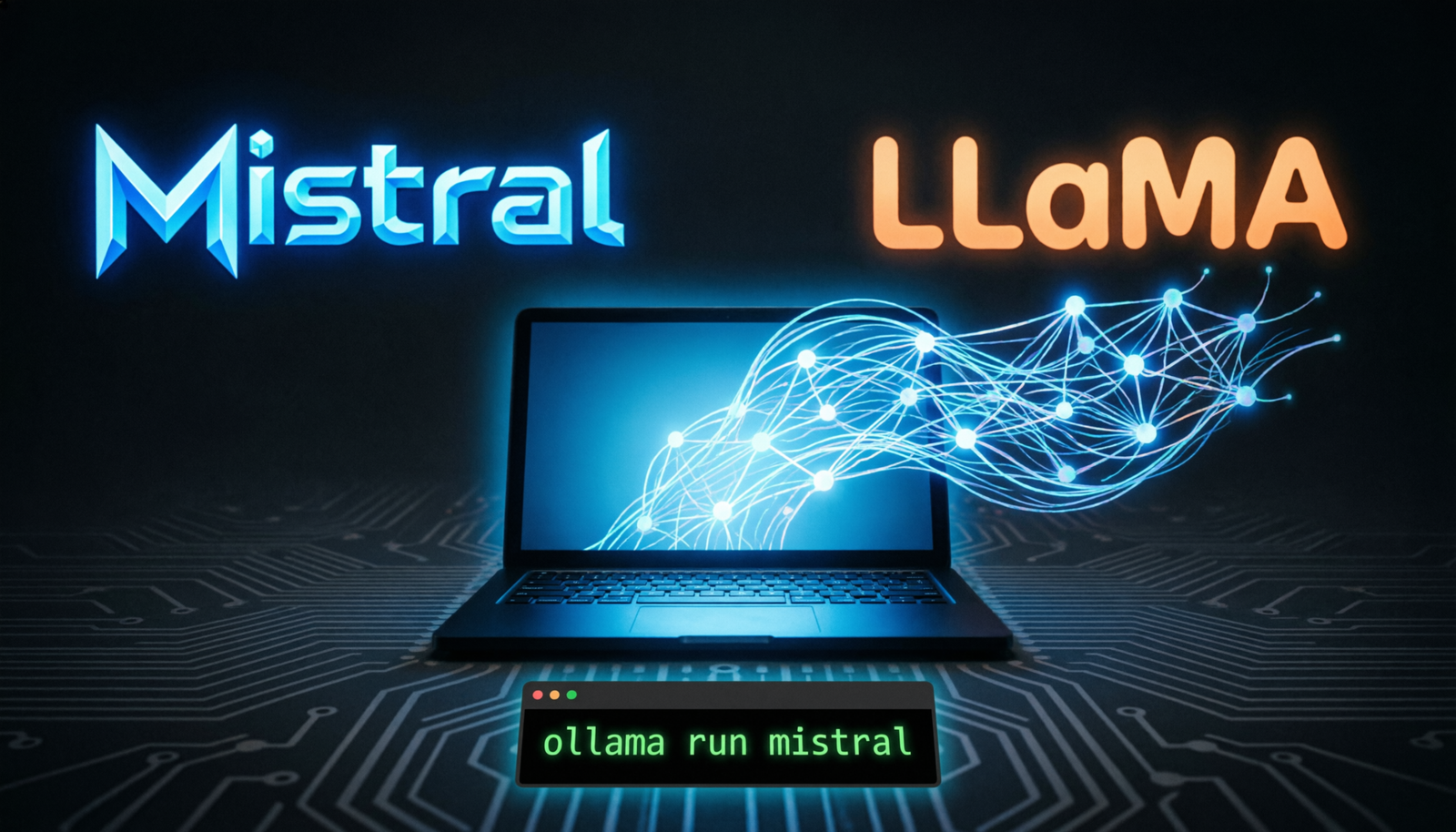

Your machine.
Your intelligence.
Run state-of-the-art language models entirely on your own hardware. Zero API costs, zero data leaving your machine, zero cloud dependency — just raw LLM power under your control.
Why Run Locally?
Cloud LLM APIs are convenient but come with trade-offs: ongoing costs, data privacy concerns, rate limits, and internet dependency. Running models locally eliminates all four.
Data Privacy
Sensitive data — medical, legal, personal — never leaves your machine.
Zero Cost
No per-token billing. Run millions of queries for the price of electricity.
Low Latency
No round-trip to a data center. First token in milliseconds on modern hardware.
Offline Use
Works on planes, air-gapped machines, or remote locations without internet.
Fine-Tuning
Adapt models on your own datasets with full control over training.
No Rate Limits
Batch process thousands of documents simultaneously without throttling.
The Models
Two model families dominate the open-source LLM landscape. Both are production-ready, actively maintained, and available in sizes that run on consumer hardware.
Mistral 7B / Mixtral
French startup’s answer to GPT-4. Mistral 7B punches far above its weight class, beating LLaMA 2 13B on most benchmarks despite half the parameters. Mixtral 8×7B uses sparse Mixture-of-Experts to match GPT-3.5.
LLaMA 3 / 3.1 / 3.2
Meta’s flagship open model family. LLaMA 3.1 405B rivals GPT-4o on reasoning. The 8B and 70B variants are the community’s go-to foundation models for fine-tuning, instruction following, and RAG pipelines.
Start with Mistral 7B if you need speed and have limited VRAM. Go with LLaMA 3.1 8B for better instruction following, longer context, and a richer community ecosystem of fine-tunes.
Tools & Runtimes
Several excellent tools make running local LLMs as simple as a single terminal command. Pick one based on your workflow.
Ollama
One-command install. Runs as a local server. OpenAI-compatible API. Best for developers.
LM Studio
Beautiful GUI. Built-in model browser. Perfect for non-technical users and Mac.
llama.cpp
C++ inference engine. Fastest raw performance. CPU+GPU hybrid. Powers Ollama under the hood.
Transformers
Hugging Face Python library. Most flexible. Required for fine-tuning and custom pipelines.
vLLM
High-throughput serving with PagedAttention. Best for multi-user production deployments.
Jan
Open-source alternative to ChatGPT UI. Runs 100% offline. Extensions ecosystem.
Quick Install
Install Ollama (macOS / Linux)
# Install Ollama
curl -fsSL https://ollama.com/install.sh | sh

# Pull & run Mistral 7B
ollama run mistral

# Pull & run LLaMA 3.1 8B
ollama run llama3.1

# List downloaded models
ollama list
Run via Python (OpenAI-compatible)
# pip install openai
from openai import OpenAI

client = OpenAI(
    base_url="http://localhost:11434/v1",
    api_key="ollama",  # not checked, but required
)

response = client.chat.completions.create(
    model="mistral",
    messages=[{"role": "user", "content": "Explain RAG in 3 bullet points"}],
    temperature=0.7,
    max_tokens=512,
)
print(response.choices[0].message.content)
Run with llama.cpp (maximum performance)
# Clone and build with Metal (Apple Silicon) or CUDA
git clone https://github.com/ggerganov/llama.cpp && cd llama.cpp
make -j LLAMA_METAL=1    # macOS
# make -j LLAMA_CUDA=1   # NVIDIA GPU

# Download a GGUF model from Hugging Face, then run:
./llama-cli -m mistral-7b-instruct-v0.2.Q4_K_M.gguf \
            -n 512 -p "Explain transformers to me" \
            --gpu-layers 35
Hardware Guide
Model size determines VRAM requirements. As a rule of thumb, a 4-bit quantized model needs roughly 0.5 GB per billion parameters. More VRAM = faster tokens per second.
| Model | Quant | VRAM / RAM | Tokens/s (RTX 3080) | Tier |
|---|---|---|---|---|
| Mistral 7B | Q4_K_M |
4.1 GB | ~55 t/s | Minimum |
| LLaMA 3.1 8B | Q4_K_M |
5.0 GB | ~48 t/s | Minimum |
| Mistral 7B | Q8_0 |
7.7 GB | ~40 t/s | Recommended |
| LLaMA 3.1 70B | Q4_K_M |
41 GB | ~12 t/s | Recommended |
| Mixtral 8×7B | Q4_K_M |
27 GB | ~18 t/s | Optimal |
| LLaMA 3.1 405B | Q4_K_M |
~230 GB | ~3 t/s | Optimal |
M1/M2/M3 Macs use unified memory — your RAM IS your VRAM. A 64 GB M3 Max can run LLaMA 3.1 70B at ~20 tokens/sec with Metal acceleration. Excellent value for local inference.
Quantization
Quantization reduces model precision from 32-bit floats to lower bit widths, dramatically shrinking memory footprint with minimal quality loss. GGUF format (used by llama.cpp / Ollama) supports several levels:
2-bit (Q2_K)
Smallest size, noticeable quality degradation. For RAM-constrained edge devices only.
4-bit (Q4_K_M)
Best quality-to-size ratio. Near-identical output to full precision at ~50% size.
8-bit (Q8_0)
Effectively lossless. ~94% of original quality at ~50% memory versus FP16.
# Default (Q4_K_M) — recommended for most users
ollama run llama3.1

# Smaller / faster variant
ollama run llama3.1:8b-instruct-q2_K

# Higher quality
ollama run llama3.1:8b-instruct-q8_0

# Mixtral sparse MoE (needs ~27 GB RAM)
ollama run mixtral:8x7b-instruct-v0.1-q4_K_M
Model Comparison
Head-to-head benchmark data for the most popular 7B–8B local models across key tasks. Scores normalized to 100.
Pro Tips
1 — Use a system prompt to shape personality
All instruct-tuned models respect a system role. Set it to define tone, constraints, and persona. This is especially effective with Mistral Instruct and LLaMA 3.1 Instruct.
2 — Enable GPU offloading in llama.cpp
Use --gpu-layers N to offload N transformer layers to GPU. Even offloading 10–20 layers on a 4 GB card dramatically improves speed versus pure CPU.
# Hybrid CPU+GPU: offload 28 layers to VRAM, rest on CPU RAM
./llama-cli -m llama-3.1-8b-instruct.Q4_K_M.gguf \
            --gpu-layers 28 --ctx-size 8192 \
            --threads 8 -i
3 — Set temperature for your use case
Use temperature=0.0 for deterministic tasks (code, extraction, classification). Use 0.7–0.9 for creative writing and brainstorming. Avoid values above 1.2.
4 — Use Modelfiles to customise Ollama models
FROM mistral

PARAMETER temperature 0.3
PARAMETER top_p 0.9
PARAMETER num_ctx 16384

SYSTEM """
You are a senior software engineer. Answer questions concisely,
prefer code examples, and always mention edge cases.
"""
ollama create my-dev-mistral -f Modelfile
ollama run my-dev-mistral
Combine Ollama with LangChain or LlamaIndex to build RAG pipelines, agent loops, and structured output extraction — all running 100% locally with no external API dependencies.